
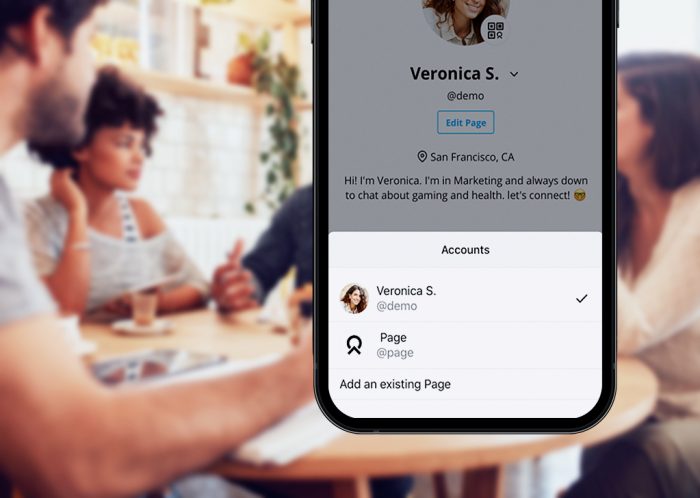
One of the most common questions we hear: “How do I keep a personal profile and a business profile?” With Brief, you don’t need two accounts. One login can hold several cards.
Create another card
- Sign in at app.brief.cv, or open the Brief app.
- Go to Cards, then New card.
- Give it its own photo, title, contact details and links, and its own address: brief.cv/@your-new-name.
Your first card stays your default. In the app, swipe between your cards to share the right one.
Choose what each NFC card opens
Have a Brief card for work and a band for weekends? In Devices, each one can open a different card. Choose Change which card it opens whenever you like.
Team cards
When a company invites you to its team, you get a separate team card with the company’s details. Your personal card stays yours. If you leave the team, your own card isn’t affected.
Questions? Email hello@brief.cv.