
Welcome to Brief! Coming from Page? Sign in at app.brief.cv with the same email and password. Your profile, links and NFC cards are already here.
Edit your card
Open Cards, then Edit (in the app: Edit card).
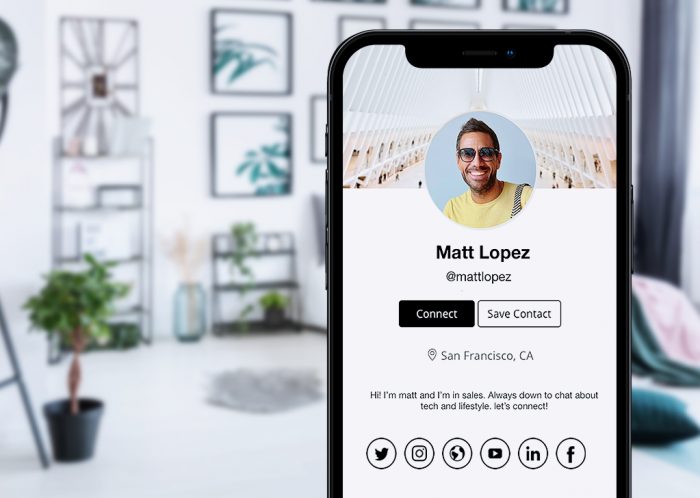
- Photo and cover: tap them to choose new images.
- About you: name, title, company, location and a short bio.
- Contact details: email, phone, LinkedIn, Instagram, WhatsApp and more. Each one has its own setting:
- Everyone: shown to anyone with your link.
- After a tap: shown only after someone taps your card in person.
- Only me: kept private.
- Links: feature what you want people to click, and drag them into order.
- Private account: hides your contact details and links until someone taps your card.
Changes show up on brief.cv/@you as soon as you save.
Share it
Tap your Brief card on any phone, show your QR code, or send your link. Visitors can save you as a contact in one tap, and share their details back with you.
Activate a new card
Got a new Brief card or band? Tap it with your phone and choose Activate this card. Or go to Devices, then Activate a card, and type the code printed on the back.
Need help? Email hello@brief.cv.